
To create a new site when you already have an account:
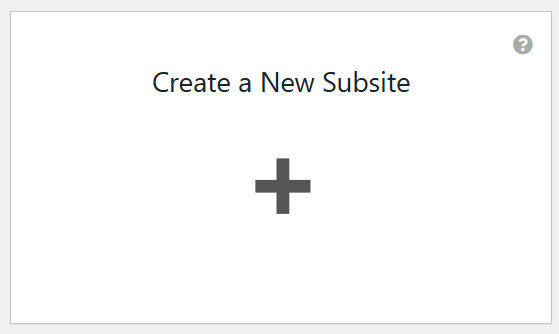
- Log into Sites@UMW, and from the dashboard, click “Create a new subsite”
- Choose a prefix for your subsite and a name for your new site.
- The prefix is the part that goes before umwsites.org in the URL for your site; if your site’s URL is https://classdemo.umwsites.net, then your prefix is classdemo. Your domain must be unique, can only contain numbers and letters (no spaces or punctuation), and cannot be changed once you have created it. If you want a different one you can always create a new site.
- The name of your site can contain any types of characters, including punctuation and space, and can easily be changed after its creation.
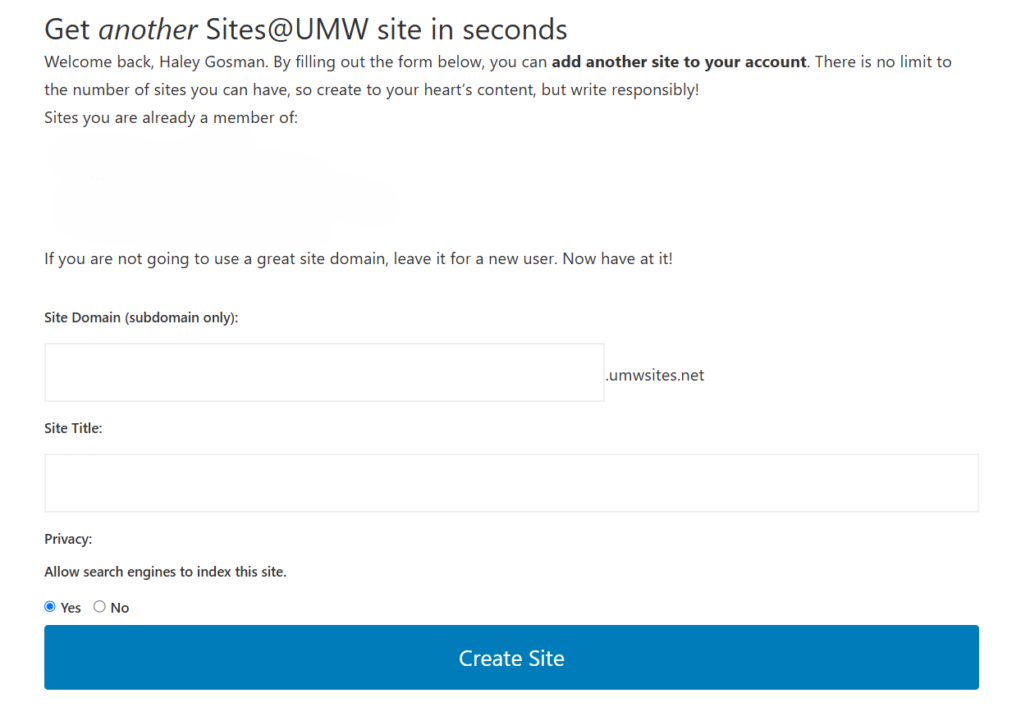
- Also pay attention to the privacy options on this page; choose Yes if you want your blog to be easily findable via search engines (e.g. Google, Bing, DuckDuckGo, etc) and choose No if you do not want your blog to be easily findable via search engines.
- Click Create Site, and your new site will be immediately created. You can now access this blog from the My Sites button on the dashboard or from the admin bar at the top of the page.
Reviewed by Abby Firestone 06/25/26
